
Installation
Grab the latest installer from the Releases page, or pick your platform directly. The daemon is bundled inside the app — there is nothing else to install.
| Platform | Format |
|---|---|
| macOS — Apple Silicon (M1–M5) | .dmg |
| macOS — Intel | .dmg |
| Windows 10/11 | .msi / NSIS |
| Linux (Debian/Ubuntu) | .deb |
| Linux (Fedora/RHEL) | .rpm |
| Linux (portable) | .AppImage |
Prerequisites
Section titled “Prerequisites”- macOS 12+, Windows 10+, or a Linux distribution with the libraries listed below.
- Claude Code installed.
- Node.js 24+ is required by Claude Code itself; the Sentinel daemon ships its own runtime, so you do not need Node installed for Sentinel.
Install
Section titled “Install”Open the .dmg and drag Sentinel to your Applications folder.
Run the NSIS -setup.exe (recommended) or the .msi. Released builds are
Authenticode-signed.
Install the .deb/.rpm for your distro, or run the portable .AppImage.
Required system libraries — webkit2gtk-4.1 powers the app window and libsecret is the
keychain backend used to store credentials:
| Distro | Command |
|---|---|
| Arch | sudo pacman -S webkit2gtk-4.1 libsecret |
| Debian | sudo apt install libwebkit2gtk-4.1-0 libsecret-1-0 |
| Fedora | sudo dnf install webkit2gtk4.1 libsecret |
Wayland is supported natively — no manual configuration. The app detects Wayland at
startup and disables WebKit’s DMA-BUF renderer, which triggers a protocol error (EPROTO) on
some compositors.
First launch
Section titled “First launch”-
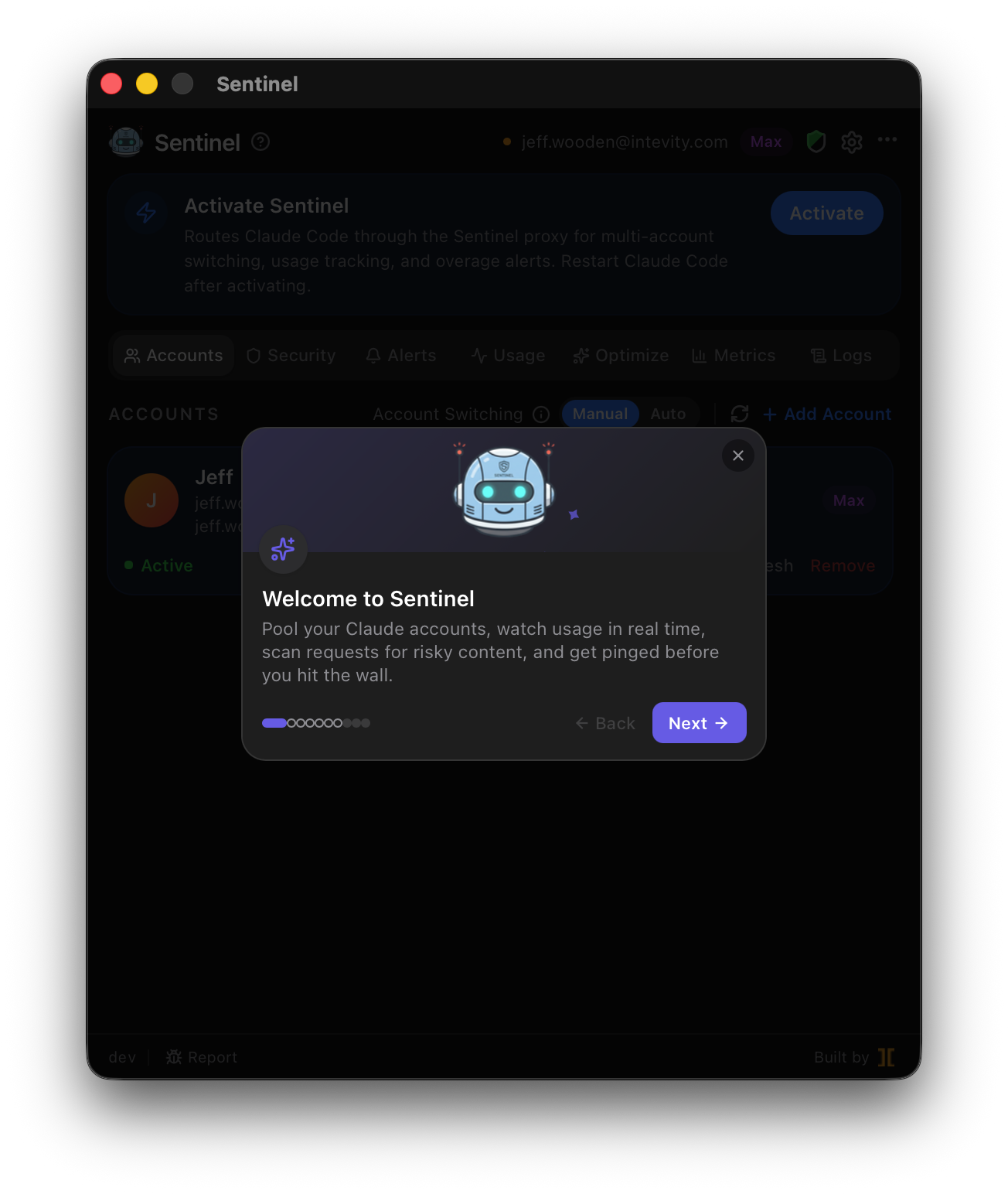
Launch Sentinel from your Applications folder (or Start menu / app launcher). The tray icon appears in the menu bar / system tray, and the daemon starts automatically.
-
Click “Activate Sentinel” in the banner that appears on first launch. This writes
ANTHROPIC_BASE_URL=http://localhost:47284plus OTEL environment variables into~/.claude/settings.json— the only required setup step. -
Restart Claude Code. From this point on, every Claude Code session routes through the Sentinel proxy.
-
Enroll accounts via the tray app → Add Account. Sentinel opens a terminal running
claude setup-tokenand captures the token it prints. Complete the browser sign-in it launches, making sure you’re signed in to the org you want to add — the token is scoped to whichever org claude.ai is currently showing.
The quick start walks through these steps in more detail.
Verify the daemon is running
Section titled “Verify the daemon is running”The daemon exposes a health endpoint on its proxy port:
curl http://localhost:47284/health# {"status":"ok","pid":12345}If this errors or times out, the daemon is not running — relaunch the app, or check
~/.sentinel/daemon.log. The in-app ⋯ menu also shows live pid and uptime.
Uninstall
Section titled “Uninstall”Open the tray app → ⋯ menu → Uninstall Sentinel…. The dialog lets you choose whether to also delete local data (usage history, rate-limit cache, keychain credentials). Uninstalling:
- Removes the Sentinel environment variables from
~/.claude/settings.json, so Claude Code goes back to callingapi.anthropic.comdirectly. - Optionally wipes
~/.sentinel/and everySentinel-credentialskeychain entry. - Shuts the daemon down and quits the app.
The app itself remains in /Applications (or your install location) — trash it normally to remove
the binaries too.