
Sandbox isolation
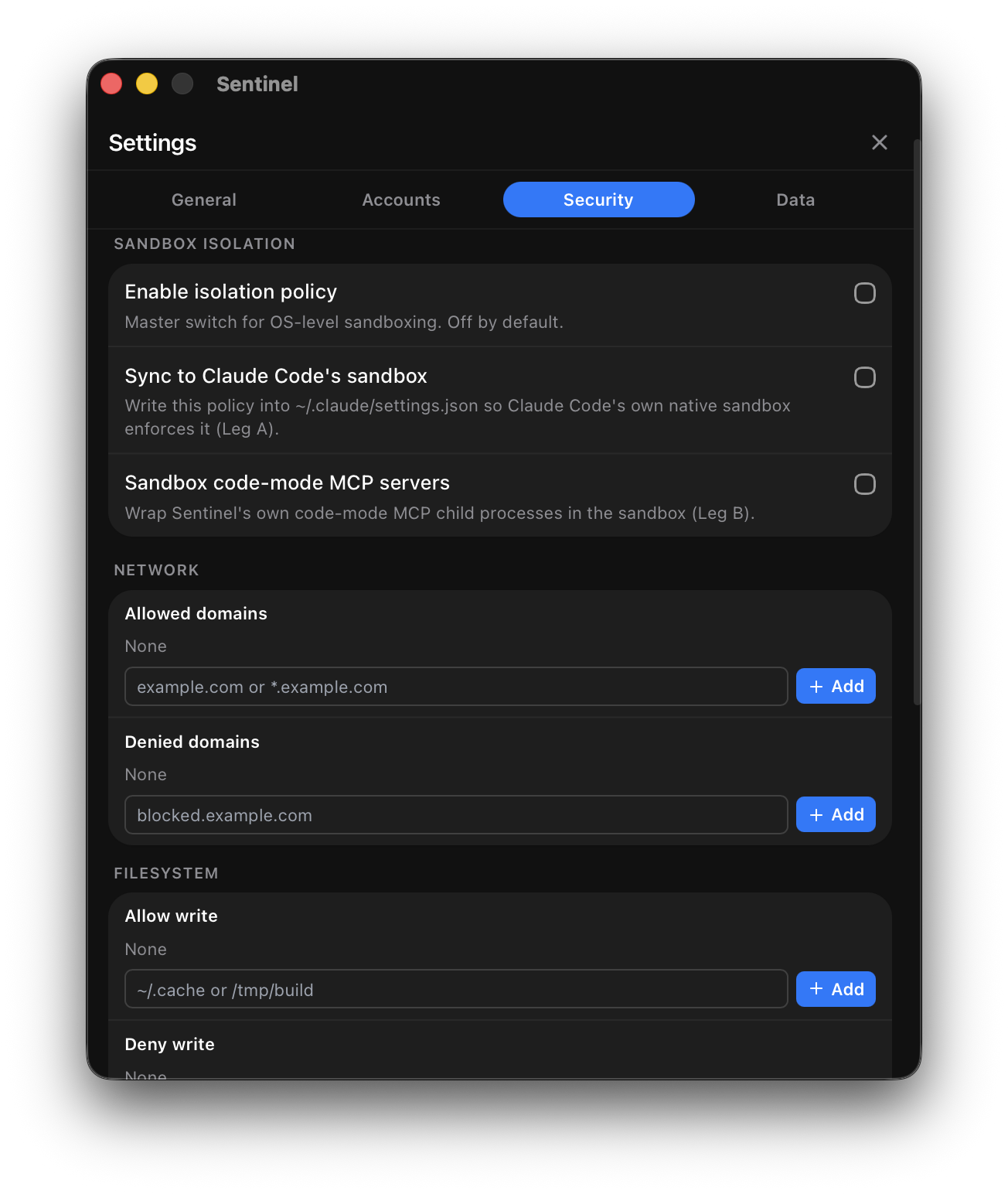
Sandbox isolation adds an OS-level boundary around the commands Claude Code (and Sentinel’s own code-execution MCP bridge) run — limiting which files they can touch and which network domains they can reach. It’s built on Anthropic’s sandbox-runtime and integrates with Claude Code’s own sandbox configuration.
What’s isolated, per platform
Section titled “What’s isolated, per platform”| Platform | Isolation |
|---|---|
| macOS | Full filesystem and network isolation |
| Linux | Full filesystem and network isolation |
| Windows | Network isolation only |
Enabling it
Section titled “Enabling it”The sandbox is off by default. Turn it on with a single toggle in Settings → Security, then fine-tune:
- Allowed paths — the directories Claude Code’s commands may read and write.
- Allowed domains — the network destinations they may reach.
The rules you configure sync into Claude Code’s own sandbox configuration, so enforcement is consistent whether a command originates from Claude Code directly or through Sentinel’s bridge.
Capability detection
Section titled “Capability detection”Sentinel checks whether the host actually supports sandboxing before offering enforcement, so the UI reflects what your OS can do rather than promising isolation it can’t deliver.
Related
Section titled “Related”- Set up the sandbox — a guided walkthrough.
- Permission rules — rule-based control that pairs with OS-level isolation.