
Alerts, overage & spend caps
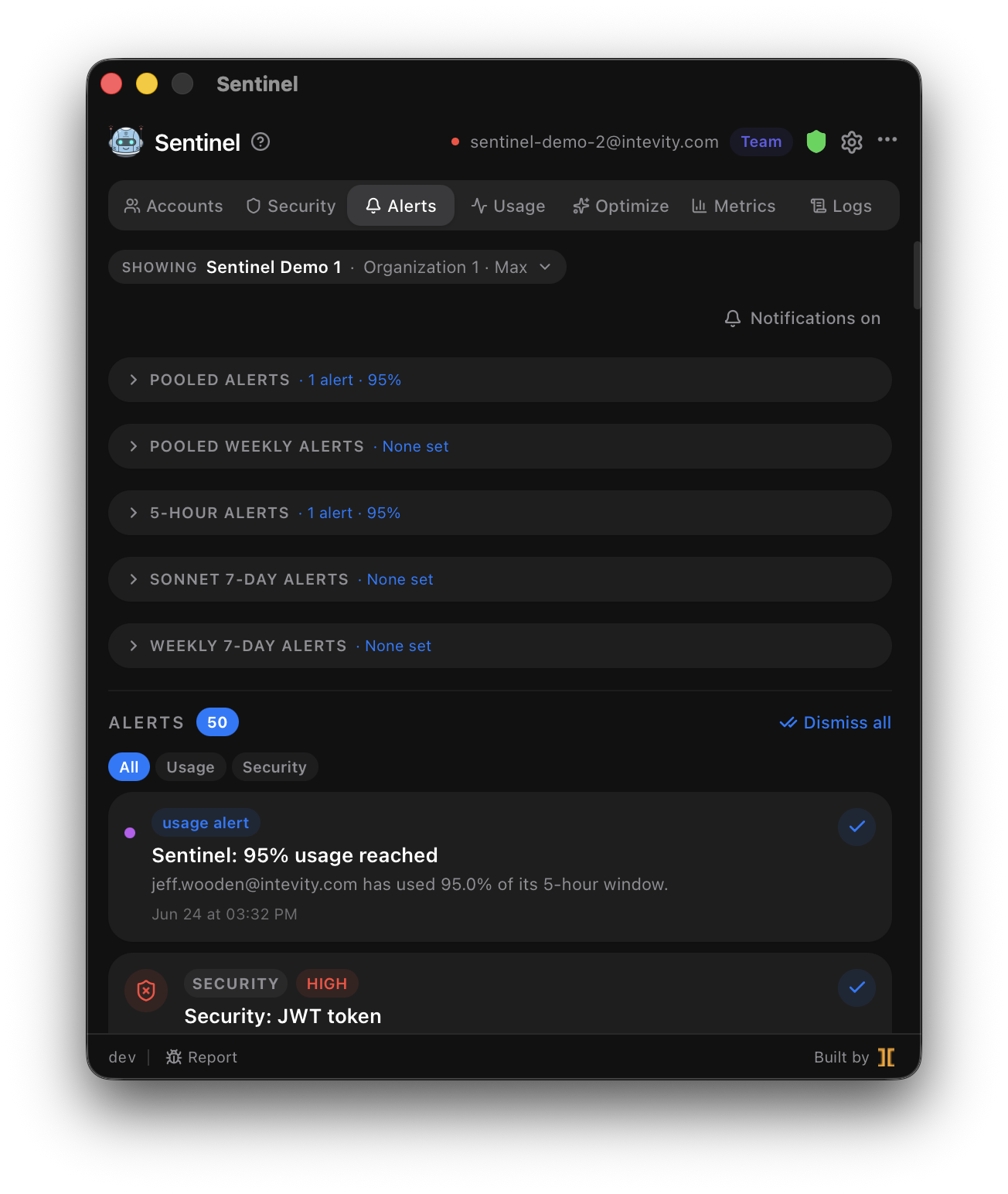
Sentinel watches your usage and spend and tells you when something crosses a line. The Alerts tab is both where you configure thresholds and where every notification lands.
Overage detection
Section titled “Overage detection”Anthropic returns anthropic-ratelimit-unified-overage-* headers when a session enters overage
budget. The daemon inspects every forwarded response and tracks an overage state machine per
account. The moment an account transitions into overage, Sentinel writes an event and fires a native
OS notification — the response is forwarded to Claude Code unmodified, so the proxy stays
transparent.
User-configurable alerts
Section titled “User-configurable alerts”Set a percentage threshold on the 5-hour window and get notified when it trips:
- Per-account alerts, or pool-wide alerts in Auto mode.
- A notification sound per alert type that you pick.
- Deduped per window, so you’re warned once, not repeatedly.
Spend caps
Section titled “Spend caps”Set a per-account or global overage budget cap. Sentinel pauses any account whose spend crosses its cap until the next rolling-window reset, and Auto mode skips paused accounts — so billing stays bounded without you babysitting it.
Notification history
Section titled “Notification history”Every overage transition, account switch, threshold trigger, and security finding is captured in one scrollable timeline. Click a security notification to jump straight to the expanded event in the Security tab.
Related
Section titled “Related”- Usage & rate limits — the windows these alerts watch.
- Security scanning — findings are mirrored into this timeline.