
Usage & rate limits
The Usage tab shows where each account stands against Anthropic’s rate-limit windows, with live reset countdowns and color-coded urgency so you can see at a glance what’s about to run out.
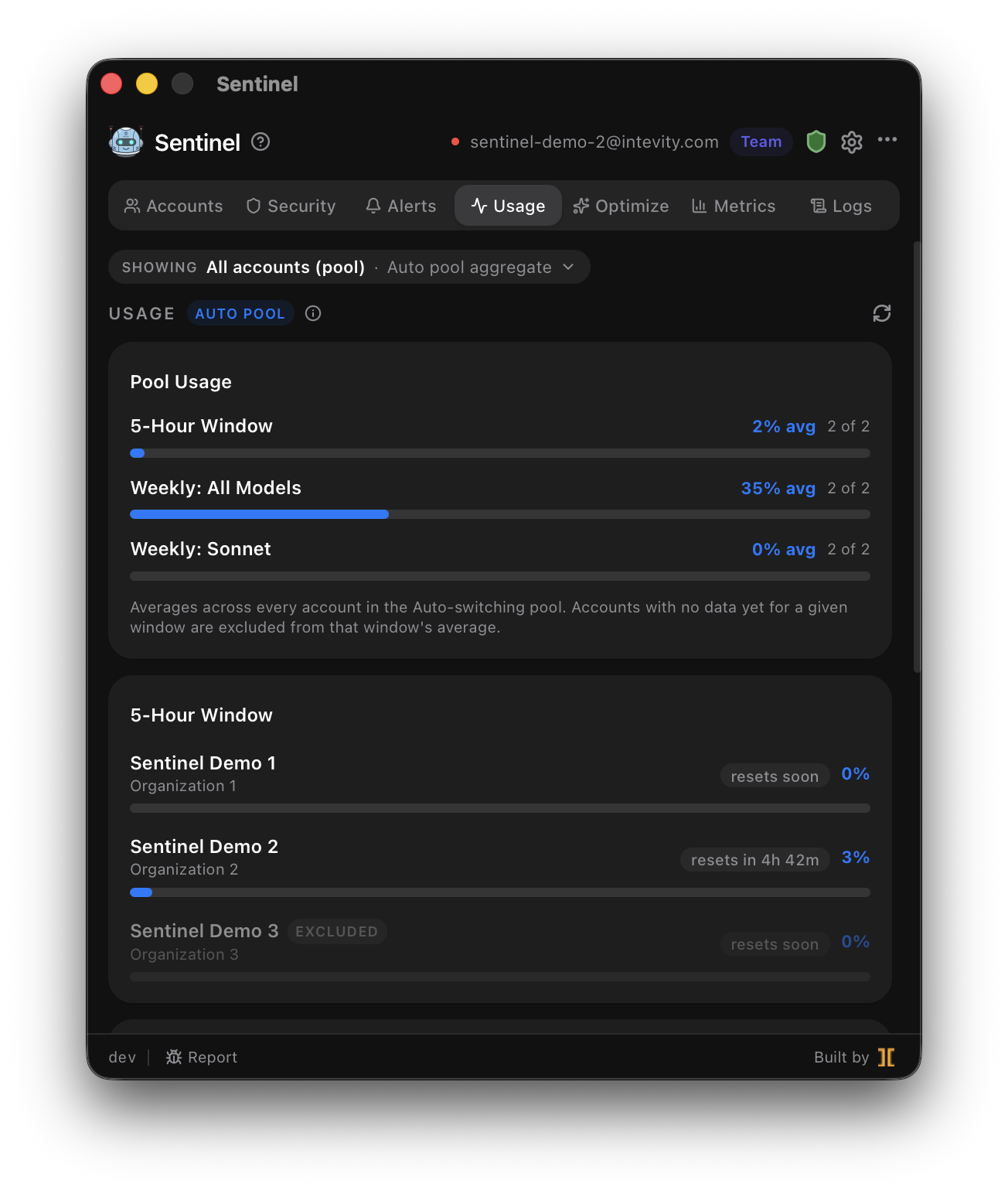
The windows
Section titled “The windows”Sentinel surfaces every window Anthropic enforces:
- 5-hour rolling window
- Weekly (all models)
- Weekly (Fable)
- Overage budget
Each is rendered with a utilization bar, the reset time, and a countdown.
Budgets admins hide
Section titled “Budgets admins hide”On Team and Enterprise plans, admins can hide per-user budgets from members. Sentinel reads each member’s own budget directly, so you can see your personal headroom even when the org dashboard doesn’t show it.
Pool view (Auto mode)
Section titled “Pool view (Auto mode)”When Auto switching is on, the Usage tab can aggregate every pooled account into a single pool view — combined headroom across accounts rather than a per-account juggling act.
How the numbers arrive
Section titled “How the numbers arrive”Rate-limit state comes from the response headers Anthropic returns on each request the proxy forwards. Because Claude Code already routes through Sentinel, the windows update as you work — no separate polling or login required. For cost and token analytics (as opposed to rate-limit headroom), see Metrics.
Related
Section titled “Related”- Overage detection & alerts — get notified the moment a window enters overage.
- Metrics — real cost/token analytics from OTel telemetry.